

Orders on scrap paper
Nawawala ang order, nakakalimutan ang balance.
With PrintDeck: every job sits on one board, with its due date and what's still unpaid.
New in 2.2 · ₱699 until January 1
Photo prints, IDs, stickers, scanning and the counter, all in one Windows app. It keeps working when the internet doesn't.
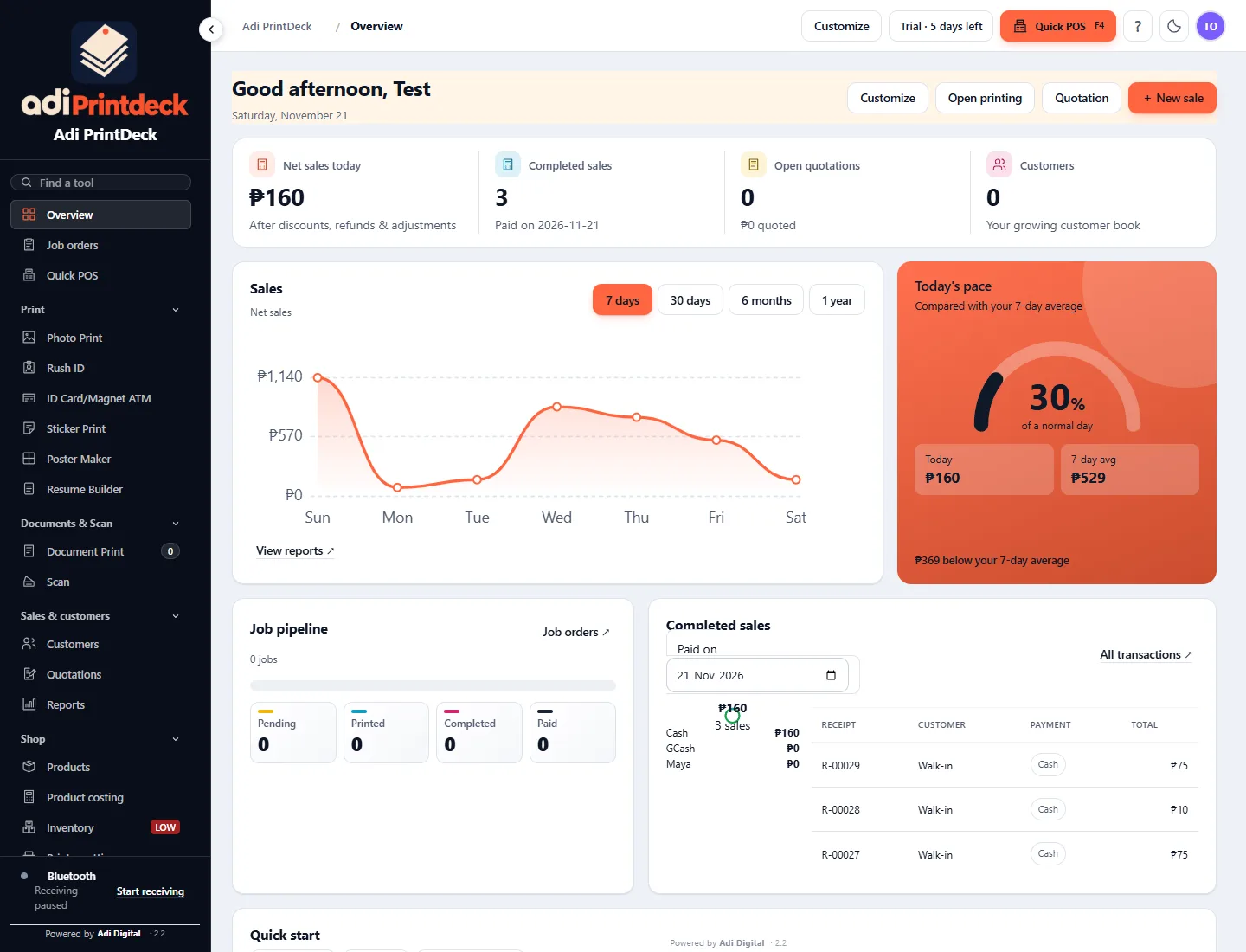
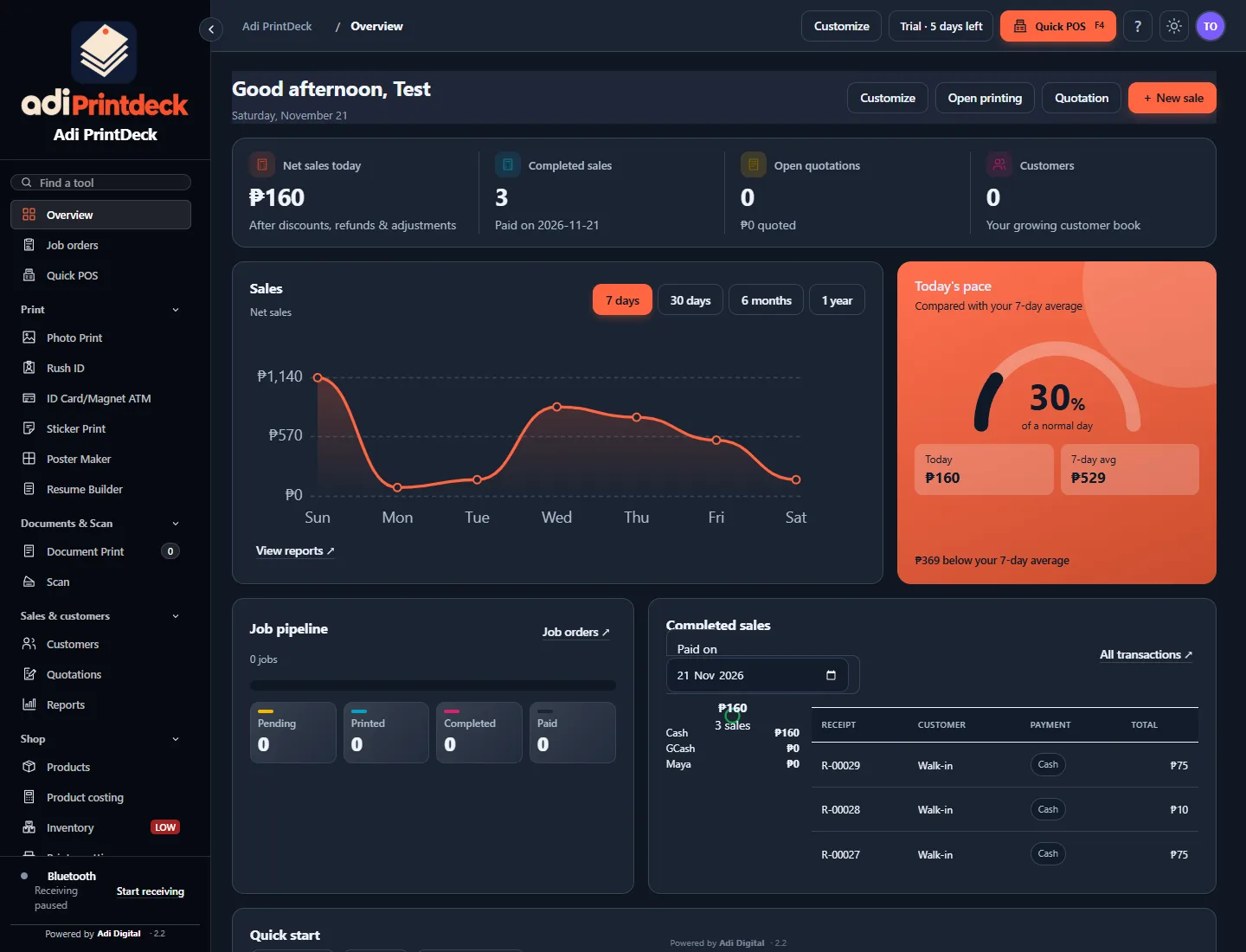
The dashboard
Sales, jobs and customers on one screen. Light or dark, whichever is easier on your eyes at 9 PM.
Sound familiar?
Most print shops run on notebooks, memory and a lot of Ctrl+P. Here is what changes. (Hover or tap a card.)
Nawawala ang order, nakakalimutan ang balance.
With PrintDeck: every job sits on one board, with its due date and what's still unpaid.
Hula-hula lang ang presyo kapag marami ang order.
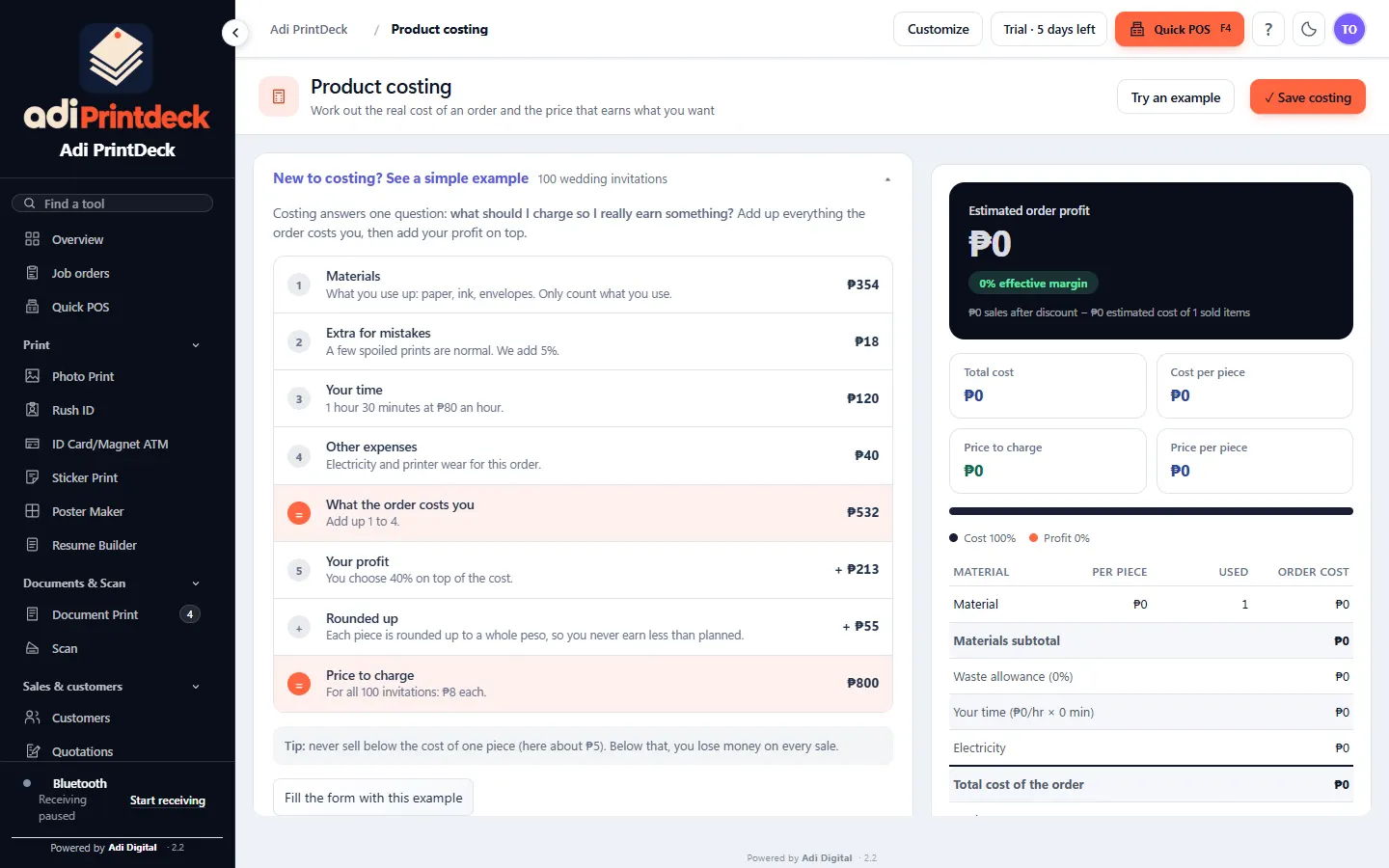
With PrintDeck: a price for every size, plus costing that shows your real margin.
Sayang ang bawat sheet na hindi puno.
With PrintDeck: auto arrange packs more photos onto each sheet. Less waste, more profit.
Brownout o mahina ang signal, tigil ang counter.
With PrintDeck: printing and shop records run offline. The counter keeps moving.
Built for the counter
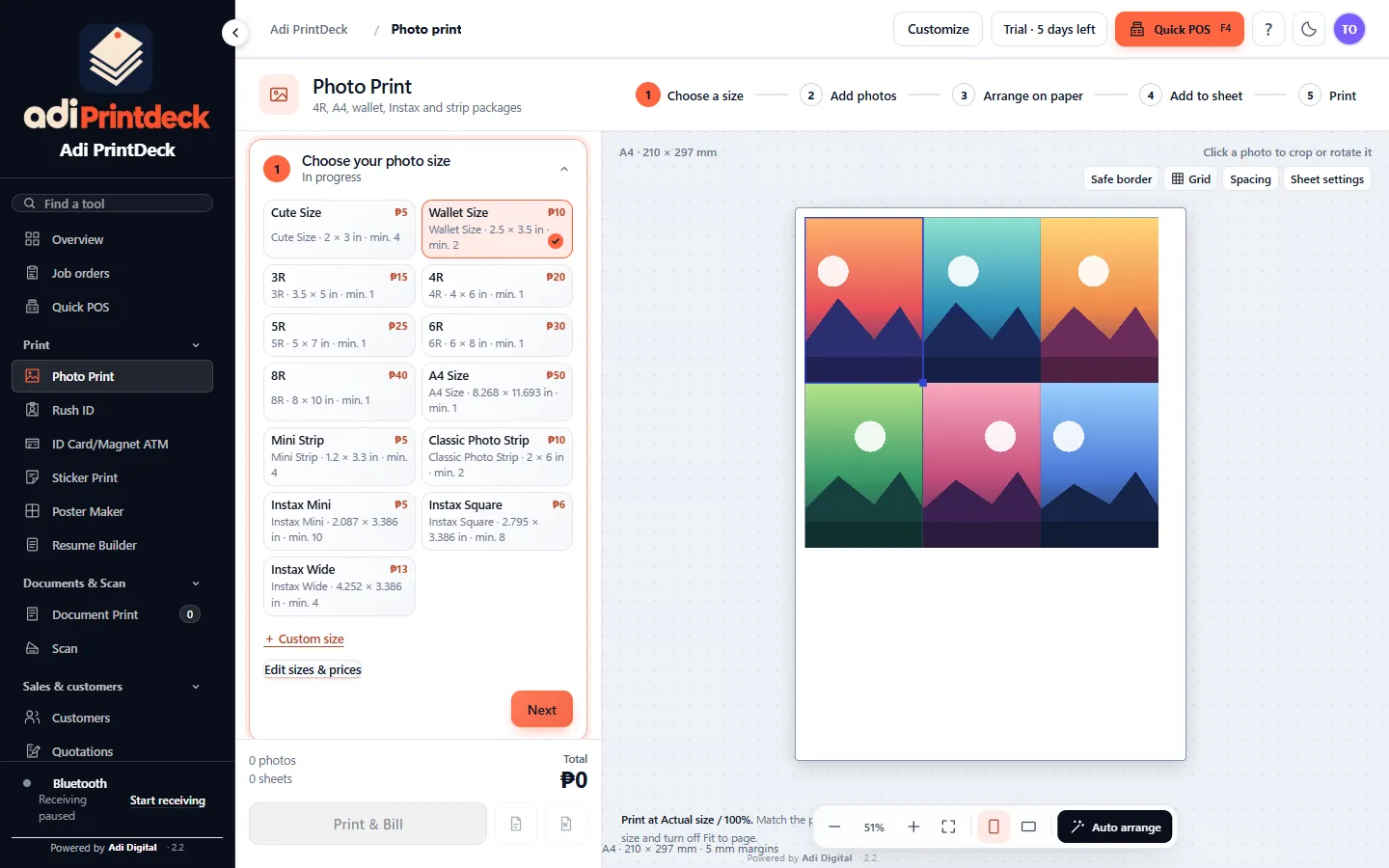
Pick a size, drop in the photos and hit auto arrange. 4R, wallet, Instax and strips. Print and bill in one click.
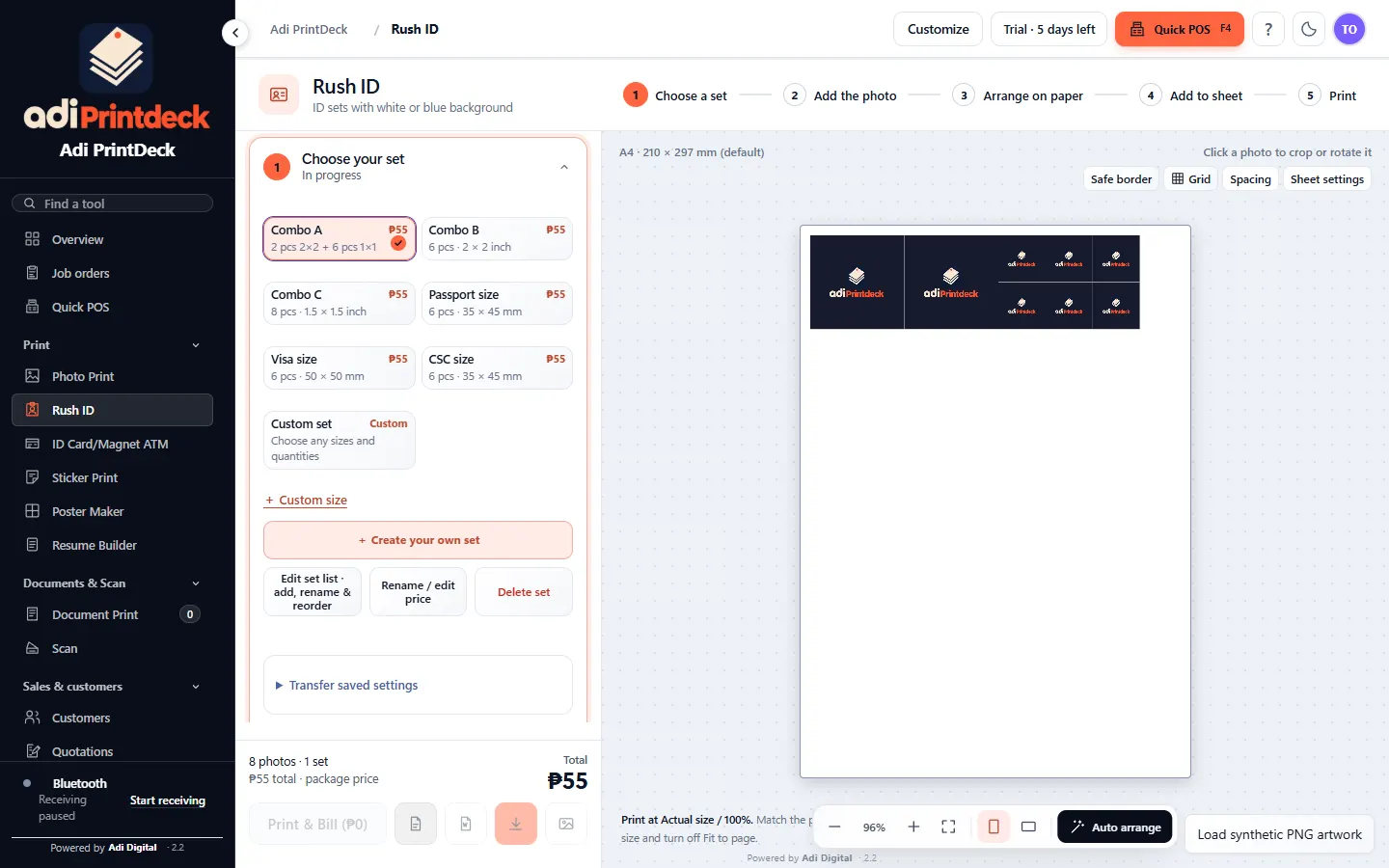
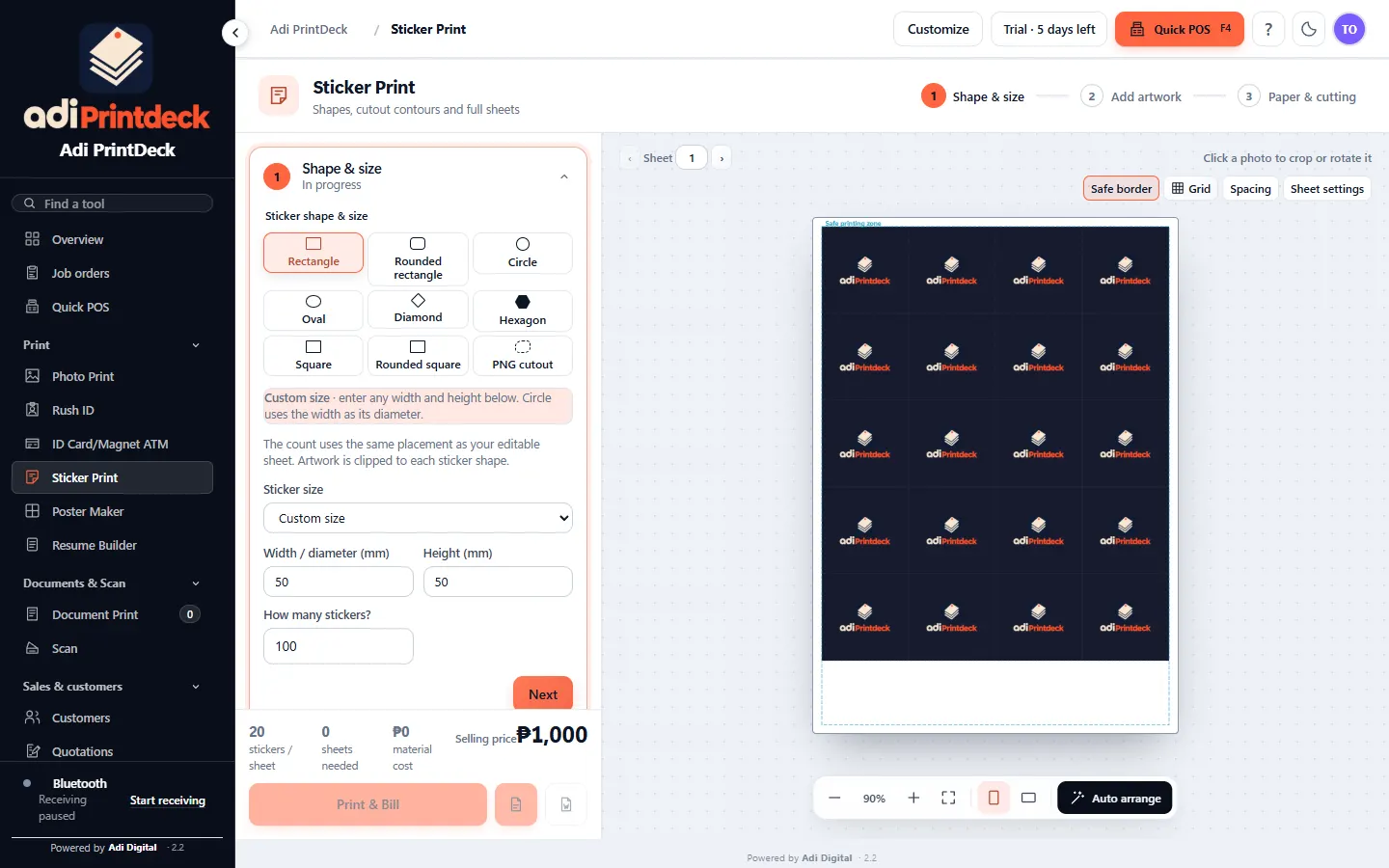
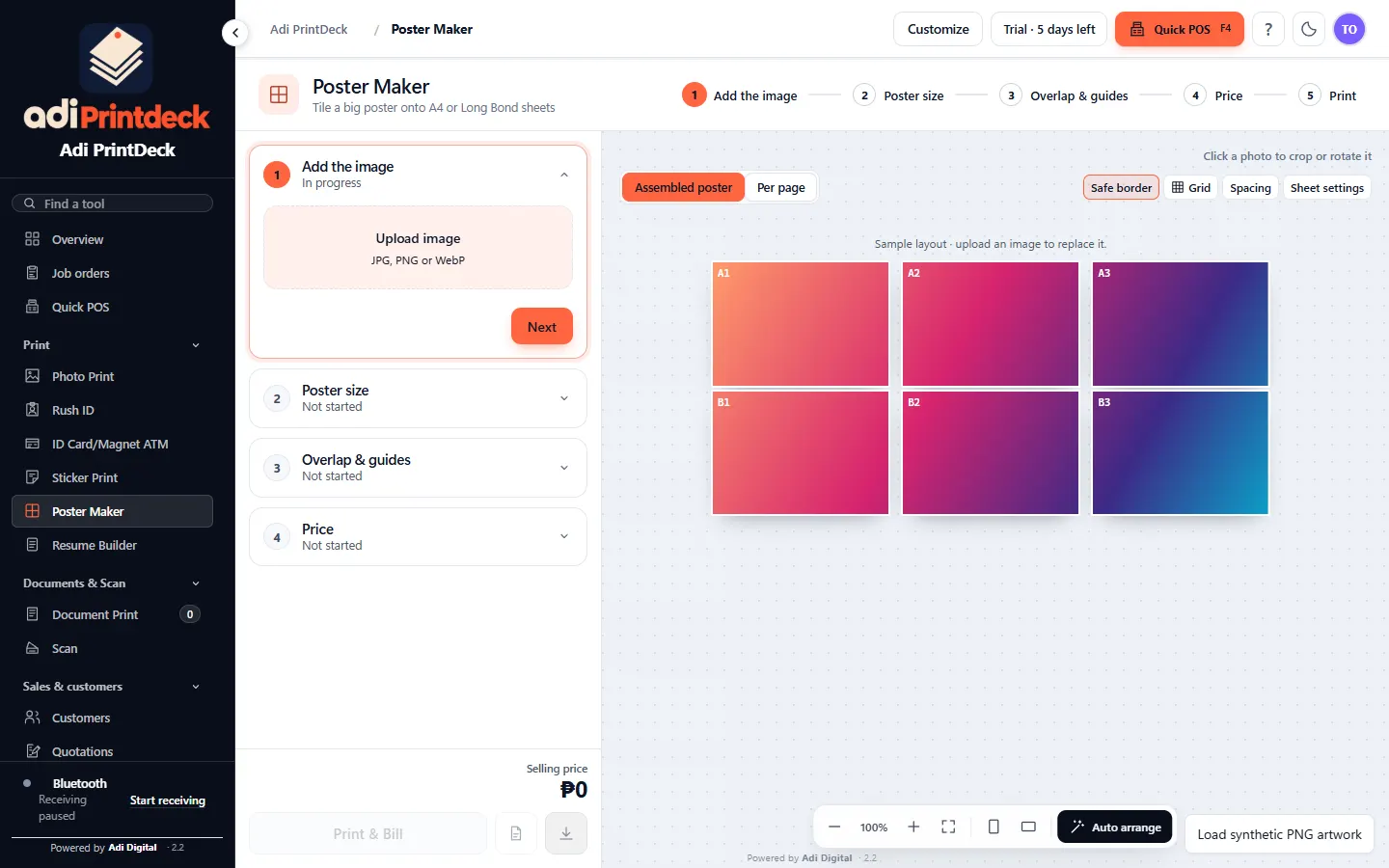
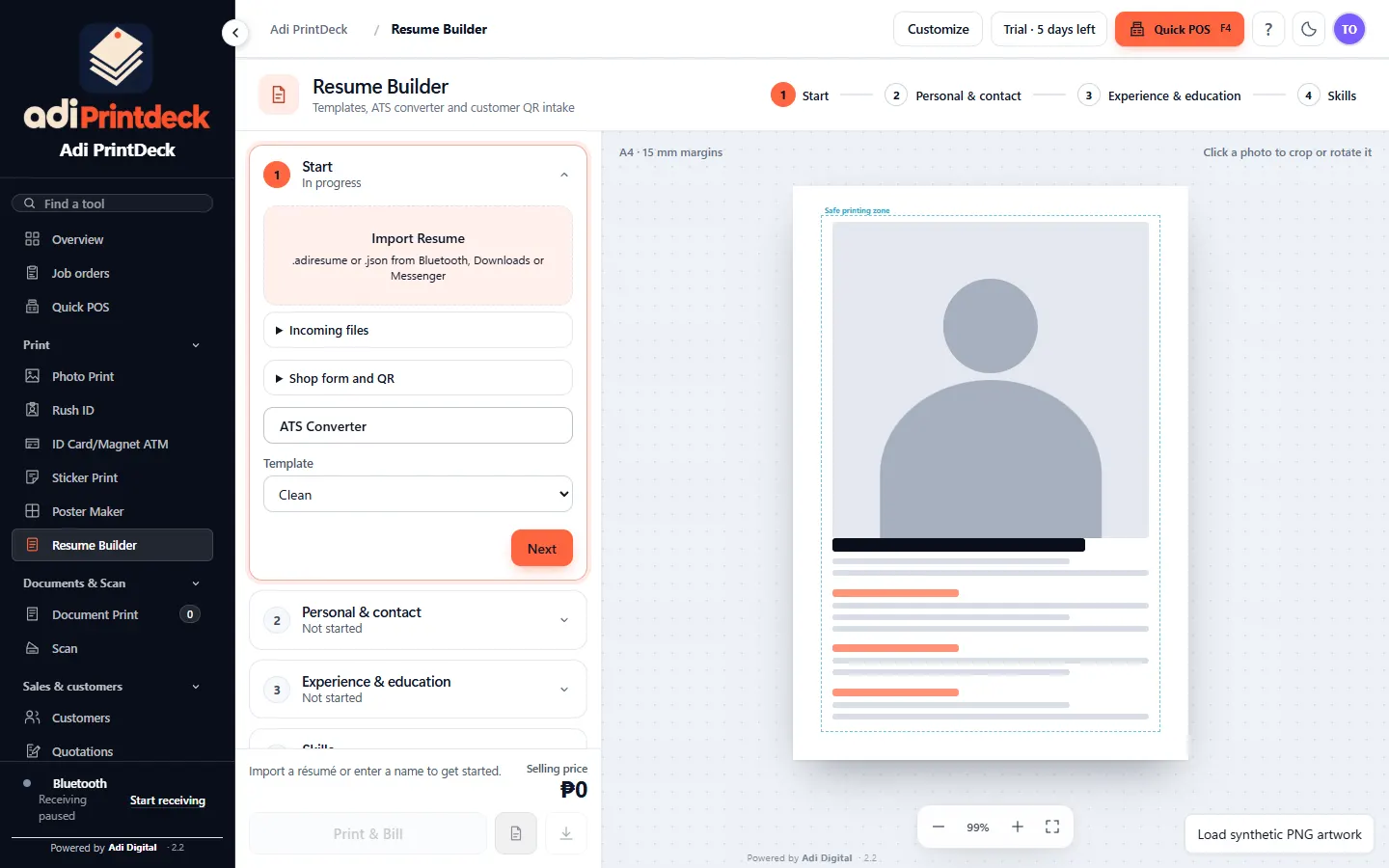
Try it here
Pick the paper and the picture size. This is the same idea behind auto arrange in the app.
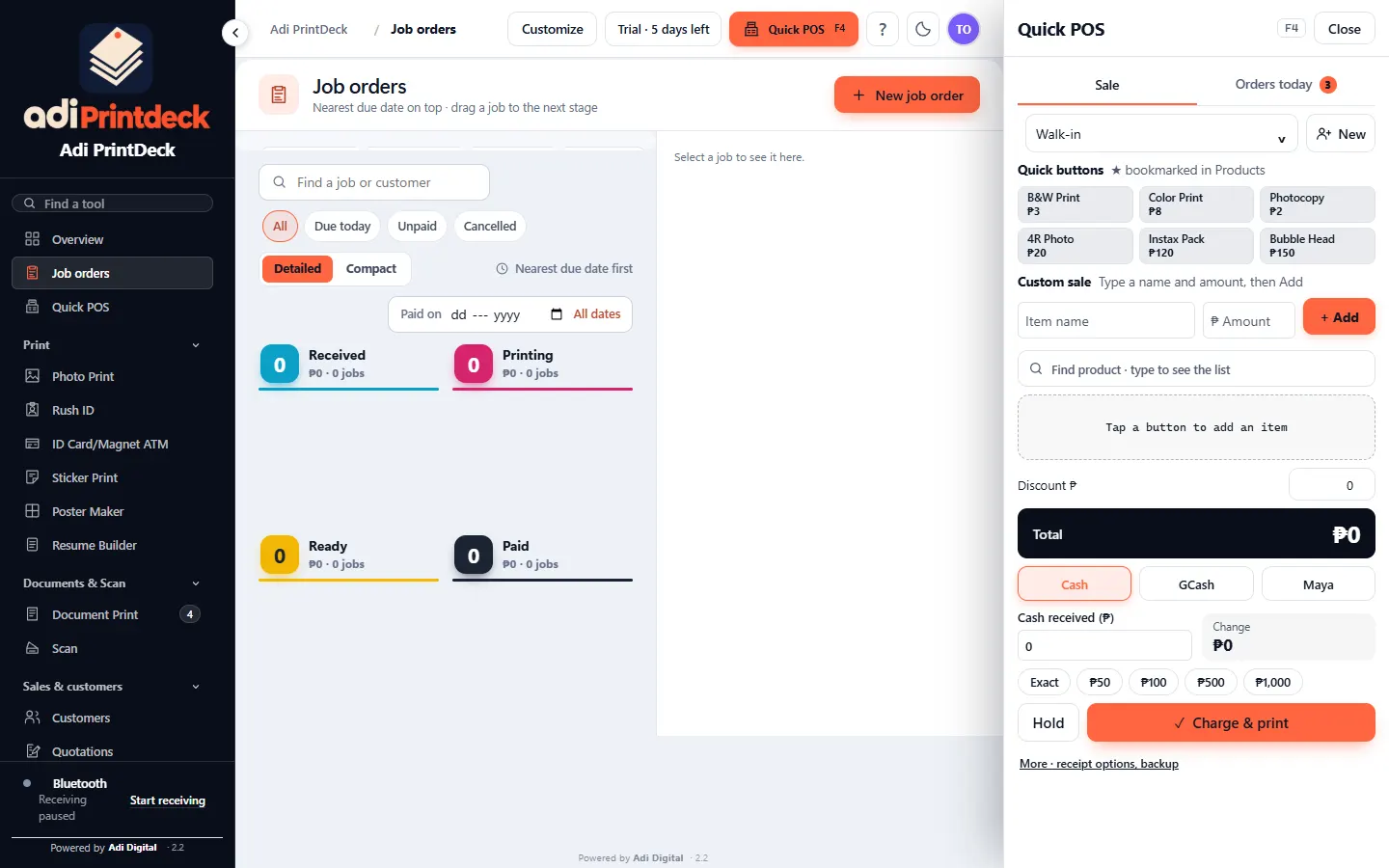
Job orders
Drag a card to the next stage, or just click it. You always know what is printing, what is ready and who still owes a balance.
Sample jobs for the demo. Nothing here is saved or sent.
Quick POS
Tap the products, type what the customer handed you, and the change is already there. Ganito kabilis sa counter.
Demo only. No real sale is recorded.
Tap a product to add it.
Reports
Reports show your sales, best hours and best sellers in plain numbers. Hindi hula. Hover a point to see where it lives in the app.
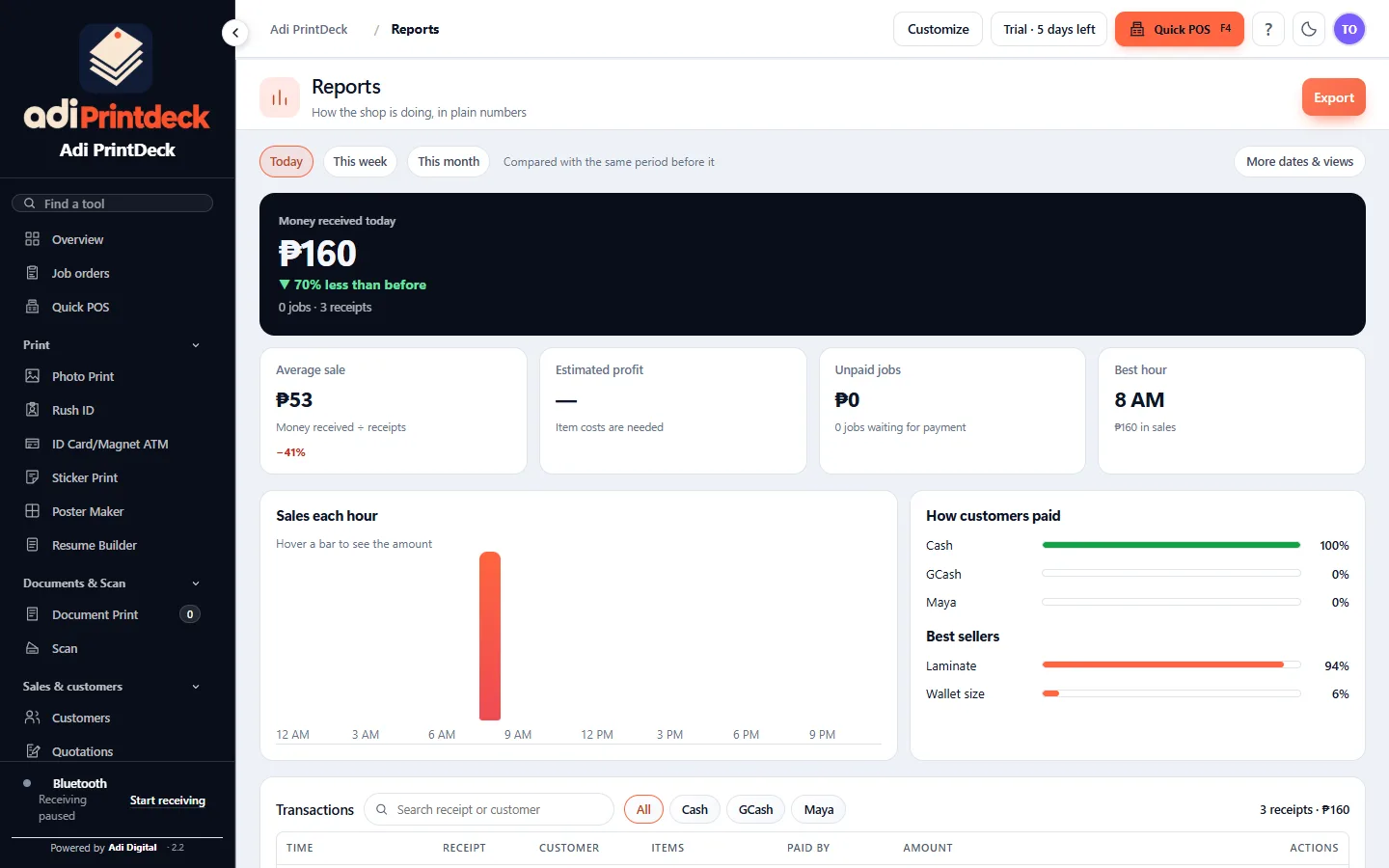
Sample data from a demo shop.
New in 2.2 · Print & Color Output
Drag the slider. The app shows a live before and after, with ready-made setups for matte, glossy, sublimation and vinyl. Fewer test prints, less ink wasted.
Sample image only. Real results depend on your printer and paper.
 BeforeAfter
What's new
Four changes you will feel on a busy day.
Run a quick preview, drag the crop box, then scan only that area. Multi-page scans save as one PDF. Works with scanners that have a Windows scanner driver.
Repeat a whole job in order. Handy for notebook covers and other repeat orders.
Before and after preview, setups for common media, and your own ICC profile if you have one.
Each size shows how it will print. Tested on the Epson L3210 and L5290.
Make it yours
Type your shop name and pick a color. The dashboard, receipts and quotations follow.
Website demo only. The real settings live in the app's Business settings.
4R × 6₱120
ID set₱60
Total₱180
Free tools for print shops
Small tools that run in your browser. No login, no uploads, and each one has its own page.
One photo in, a print-ready ID sheet out. White or blue background, four packages.
Open tool →Merge, split, print both sides on a one-sided printer, and e-sign.
Open tool →Find out what the blinking lights mean on 10 EcoTank models, plus a CMYK test sheet.
Open tool →Print a big poster on A4 or Long Bond, with overlap and cut marks.
Open tool →Messages from shop owners Sample layout
Short Messenger-style cards, faces and names blurred for privacy. These are sample messages to show the layout. We will replace them with real customer messages.
Tue 4:12 PM
Boss, ang dali na ng bill at sukli ngayon. Hindi na ako nagkakamali sa bilang.❤️
Salamat po! Pa-try din po yung job board 🙏
Thu 9:41 AM
Sulit! Nasa board na lahat ng order ng customers, walang nalilimutan.👍
Maraming salamat po sa tiwala!
Sat 6:05 PM
Mas marami na kasya sa isang sheet. Tipid sa papel, tipid sa oras.
Welcome po! Enjoy sa printing 🖨️
Sample messages for layout only. Not real customer feedback.
Pricing
Isang bayaran lang, walang monthly.
Adi PrintDeck · one license per PC
₱999Save ₱300Limited time
₱699
one-time payment · not a subscription
Back to ₱999 on January 1. Time left at ₱699:
One license per PC. It does not include every future upgrade. The ₱699 price ends January 1, 2027 (Manila time).
Quick answers
Not for printing or shop records. You only need it for Gmail, website links and downloading the app.
A Windows 64-bit PC or laptop.
Printers that Windows can see. The owner has tested the Epson L3210 and L5290. We can't promise every model, especially for borderless.
Scanners with a Windows scanner driver, such as Epson, Canon, Brother and HP.
You activate a license: ₱699, once, for one PC.
Adi Digital, for small and mid-size print shops, whether home-based or on the street. Para sa atin ito.